cheesecracker
cheesecracker is the API server of the Cheese App. It is a program that waits for requests from other programs over HTTP, the protocol of the web, and sends back answers. It answers a few kinds of request, and it is small on purpose.
The code is not the lesson. The lesson is how to test a server, check its code, and run it in Docker. Docker runs a program in a container, with its own files and its own Python. The program runs there as in production, where real users reach it.
We build the project from an empty folder, in this order:
- A function,
power(), and its unit tests, which call the function alone. pytest runs the tests. - A server that uses it, built with FastAPI, a Python library for web servers, and integration tests that call the server with no network.
- Coverage, which shows the lines that no test runs.
- ruff, which formats the code and checks it, and
pre-commit, which runs the checks each time you save a
version of the project with
git commit. - The run image, the package of the server that Docker runs, as it runs in production. An image is the files that Docker starts a container from.
- System tests, which send real HTTP requests to the server in the run image.
- The dev image, which holds the project with every tool. It runs the checks in Linux, the system of the servers in production.
Everything except the Docker images runs on this machine. The tool uv installs Python
and the libraries of the project. The tool just runs each task of the project by a short name, and curl sends a request to a server from the
terminal. Install uv, just and curl, and
Docker for the last parts.
The code is in the repository rahuldave/cheesecracker on GitHub. When the
project is done, the server's code is in src/api-service/api/, and its tests are in tests/unit/, tests/integration/ and
tests/system/. pyproject.toml and uv.lock list the Python packages that the project needs. justfile holds its
recipes, short names for the commands of the project. Dockerfile holds the instructions that build its two Docker images,
the run image of the server and the dev image with every tool.
The repository keeps every saved version of the project, one change at a time, in the order that this tutorial builds it.
On the website, each page covers one part of the tutorial. The top of the page links to the code as it is when the part starts. The bottom links to the code as it is when the part ends.
The project grows by moves. A move is one small change, made by one command, or by one patch. A patch lists the lines to add to a file and the lines to remove. You make each move, and the page checks your files against it. Each move ends with a command that shows what the change did.
How the walk is cut
Each page is one part, a stage of the project. At the end of every part, the project works. It runs, and its checks pass. A tutorial cuts each part into moves, one small change each, and a move is a section of its page. Between two moves, the code can be broken on purpose. For example, a move adds a test that fails, and the next move makes it pass. A part never ends broken.
Working is not the same as right. A part can end with code that runs and passes its checks. That code can still be wrong for the problem, such as a mask that leaves out the wrong rows. Such a mistake is part of the story, and a later part finds it and fixes it.
The code where a part starts and where it ends has a tag on GitHub, such as step-00, or is a commit between two tags. The top of each page says where its part starts, and the bottom says where it ends, each with a link to that code.
There are two ways to read this tutorial. Both have the same parts, in the same order.
Each part ends with a section called What changed. It lists every file that the part changes, with a link to the file, and then the whole diff of each file, folded. A lockfile and a binary file have a link alone. The text above it explains the change. In Build it yourself, What changed is what you check your files against.
In Build it yourself, a file that a command makes says which command. A diff that is open is a patch. Apply it with the command in the text, or make the same change in your editor.
Read the tutorial
Each change explained, with the code to look at.
Build it yourself
Every command to run and every change to make by hand, to make the project yourself.
Get the project
You build the project in a clone of your own, on a branch mine that starts where this walk starts. Run the commands of these pages in its top folder.
git clone https://github.com/rahuldave/cheesecracker
cd cheesecracker
git switch -c mine cf50a6ef5045
Then add the command git check, which compares your files with the project's after each move, and leaves what git add has staged as it was. It compares pyproject.toml and uv.lock by the names of their packages, so another version of a package does not count as a difference. A small Python program, package_names.py, reads each of these files as data, and uv runs it. These commands write the program into the folder .git, and tell git to show each file as the program prints it.
cat > "$(git rev-parse --git-common-dir)/package_names.py" <<'PY'
"""Print a pyproject.toml or a uv.lock without the versions of its packages, so that git check compares their names.

    python package_names.py pyproject.toml FILE
    python package_names.py uv.lock FILE

A pyproject.toml keeps all it says, with each requirement cut to its name, its extras, its address and its marker. A
uv.lock keeps the names that the project's own packages ask for, and the members of the workspace. The rules are those
of timewalk's package_names. The result is JSON, one item a line. A file that is not TOML is printed as it is.
"""

import json
import re
import sys
import tomllib

# A requirement such as "pytest>=8.3.4", "Uvicorn[standard] ; python_version < '3.12'" or "x @ git+https://...": its name,
# its extras, what comes between (the versions, or "@" and an address), and its marker after the ";".
REQUIREMENT = re.compile(r"^\s*([A-Za-z0-9][A-Za-z0-9._-]*)\s*(\[[^\]]*\])?([^;]*)(?:;(.*))?$", re.S)


def package_names(
    path: str,  # The file's path in the project; its name says how to read it
    data: bytes,  # Its contents
) -> object | None:  # What it says without the versions of packages, to compare; None if it is not a file of packages
    """Read a pyproject.toml or a uv.lock with the versions left out, as timewalk's package_names does."""
    name = path.rsplit("/", 1)[-1]
    if name not in ("pyproject.toml", "uv.lock"):
        return None
    try:
        doc = tomllib.loads(data.decode("utf-8"))
    except (UnicodeDecodeError, tomllib.TOMLDecodeError):
        return None

    def cut(requirement: object) -> object:   # "pytest>=8.3.4" is pytest; a table, such as { include-group = "test" }, stays
        found = REQUIREMENT.match(requirement) if isinstance(requirement, str) else None
        if not found:
            return requirement
        extras = sorted(e.strip().lower() for e in (found.group(2) or "[]")[1:-1].split(",") if e.strip())
        between, marker = found.group(3).strip(), " ".join((found.group(4) or "").split())
        address = between[1:].strip() if between.startswith("@") else ""   # a package from an address: the address counts
        return (re.sub(r"[-_.]+", "-", found.group(1)).lower() + (f"[{','.join(extras)}]" if extras else "")
                + (f" @ {address}" if address else "") + (f"; {marker}" if marker else ""))

    def names(value: object) -> list:   # every name = "..." in a table, at any depth
        if isinstance(value, dict):
            return [*([value["name"]] if isinstance(value.get("name"), str) else []), *(n for v in value.values() for n in names(v))]
        return [n for v in value for n in names(v)] if isinstance(value, list) else []

    if name == "uv.lock":
        own = [p for p in doc.get("package", []) if isinstance(p, dict) and isinstance(p.get("source"), dict)
               and {"editable", "virtual"} & set(p["source"])]
        return {"requires-python": doc.get("requires-python"), "manifest": sorted(set(names(doc.get("manifest", {})))),
                "own": {p.get("name"): sorted(set(names({k: v for k, v in p.items() if k not in ("name", "version", "source")})))
                        for p in own}}
    lists = [("project", "dependencies"), ("build-system", "requires"), ("tool", "uv", "dev-dependencies")]
    groups = [("project", "optional-dependencies"), ("dependency-groups",)]

    def at(keys: tuple) -> object:   # the table or list at a path of keys, or None
        value = doc
        for key in keys:
            value = value.get(key) if isinstance(value, dict) else None
        return value

    for keys in lists:
        if isinstance(at(keys), list):
            at(keys[:-1])[keys[-1]] = sorted(map(cut, at(keys)), key=repr)
    for keys in groups:
        table = at(keys)
        for group, wanted in (table.items() if isinstance(table, dict) else []):
            if isinstance(wanted, list):
                table[group] = sorted(map(cut, wanted), key=repr)
    return doc


def main() -> int:  # The exit code
    """Print a file as package_names reads it, or as it is when it is not TOML."""
    kind, file = sys.argv[1], sys.argv[2]
    with open(file, "rb") as handle:
        data = handle.read()
    found = package_names(kind, data)
    if found is None:
        sys.stdout.buffer.write(data)
    else:
        print(json.dumps(found, indent=1, sort_keys=True, ensure_ascii=False, default=str))
    return 0


if __name__ == "__main__":
    sys.exit(main())
PY
echo '/pyproject.toml diff=pyproject' >> .git/info/attributes
echo '/uv.lock diff=uvlock' >> .git/info/attributes
git config diff.pyproject.textconv 'uv run --quiet --no-config --no-project --python ">=3.11" python "$(git rev-parse --git-common-dir)/package_names.py" pyproject.toml'
git config diff.uvlock.textconv 'uv run --quiet --no-config --no-project --python ">=3.11" python "$(git rev-parse --git-common-dir)/package_names.py" uv.lock'
git config alias.check '!f() { i="$(git rev-parse --git-path check-index)" && { cp -p "$(git rev-parse --git-path index)" "$i" 2>/dev/null || rm -f "$i"; } && export GIT_INDEX_FILE="$i" && git add -A && git diff --cached "$1" -- ":/"; }; f'
The parts
The other walks
Each other walk through the project has pages of its own:
- The tests. Unit tests of a function, integration tests of the app, coverage, and system tests against the server in the run image, apart from the other tests.
- Formatting and linting. Code that works and reads badly, then ruff as the formatter and the linter, their fixes, one recipe for every check, and pre-commit before each
git commit. - Dependency groups. The project and its lockfile, the dependencies of the server, the groups
testandlint, and the two Docker images, which install no group and every group. - Docker. The run image as the deployment, system tests against it, the dev image for the checks in Linux, and a change through both images.
- The recipes. The justfile of the project, one recipe at a time: setup, test, serve, cov, fmt, lint, check, hook, the Docker recipes and test-system.
Follow the walks in timewalk
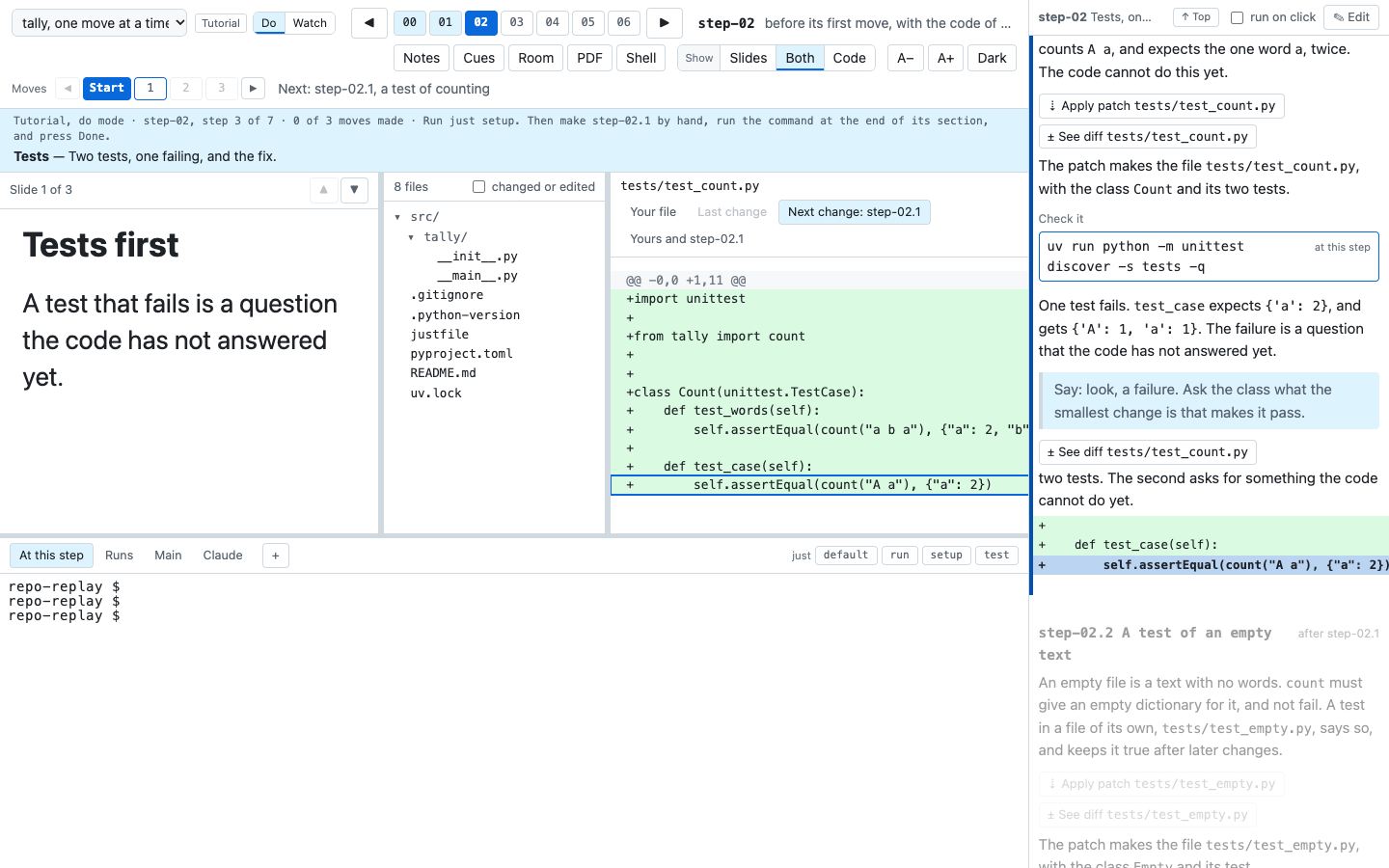
timewalk replays these walks in your browser. At each part, it shows the files of cheesecracker as they were, and what the part changed. It also shows the notes, and terminals in the project as it was then.
A narrative goes from part to part. A tutorial has two modes. In watch mode, timewalk shows each change. In do mode, you make each change yourself, and timewalk tells you when your files match.
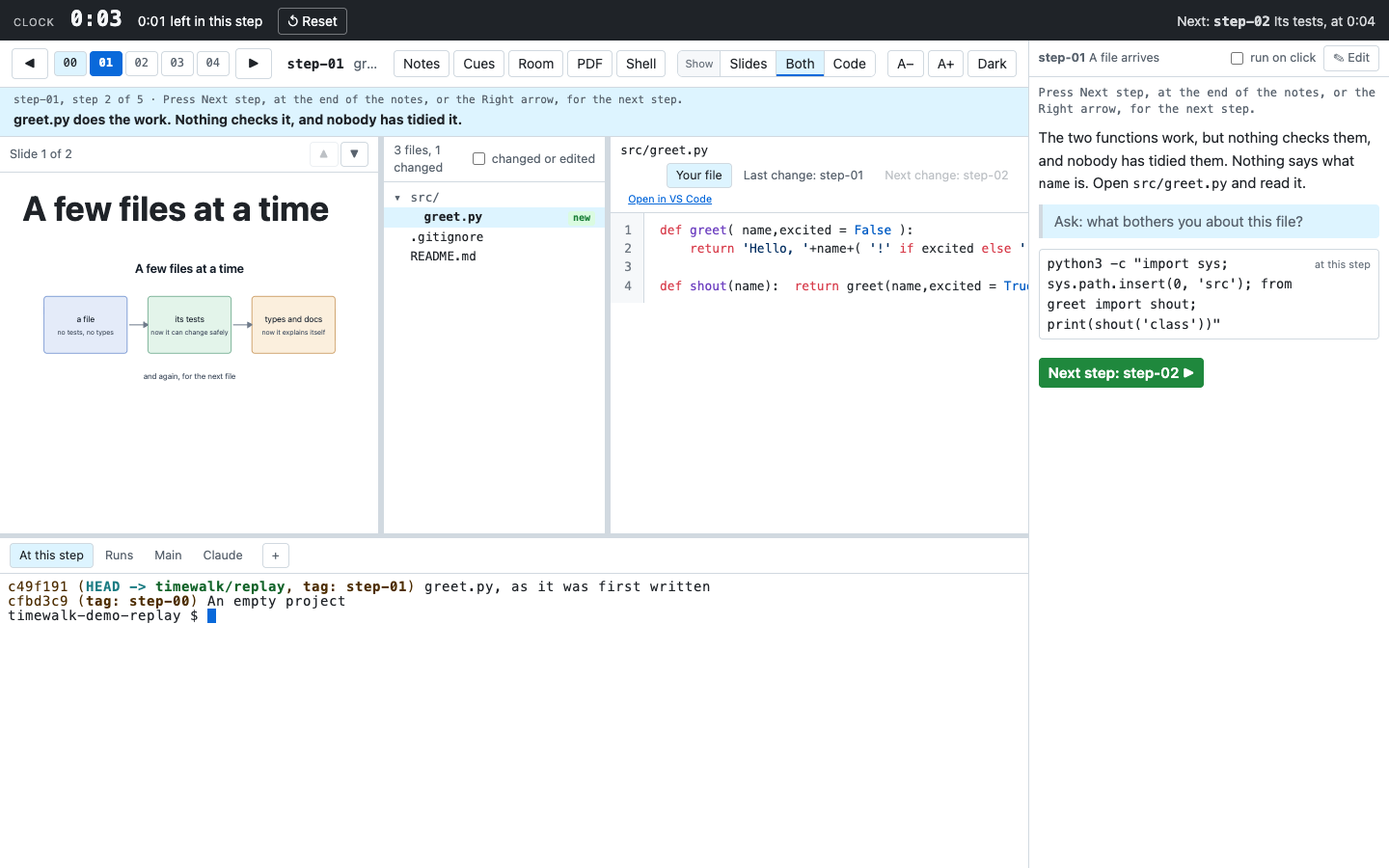
You need uv, git, just and a recent browser. Fork rahuldave/cheesecracker-walk on GitHub, so that you can keep your own notes, and clone your fork. In its folder, run just present, and open the address that timewalk prints. The first time, it clones cheesecracker into the folder repo/.
git clone https://github.com/YOU/cheesecracker-walk
cd cheesecracker-walk
just present
just present opens the first walk, cheesecracker (a tutorial). To open another, give its id:
just present testing: The tests (a tutorial)just present linting: Formatting and linting (a tutorial)just present uv: Dependency groups (a tutorial)just present docker: Docker (a tutorial)just present just: The recipes (a tutorial)